πPost auto-reply
Overview
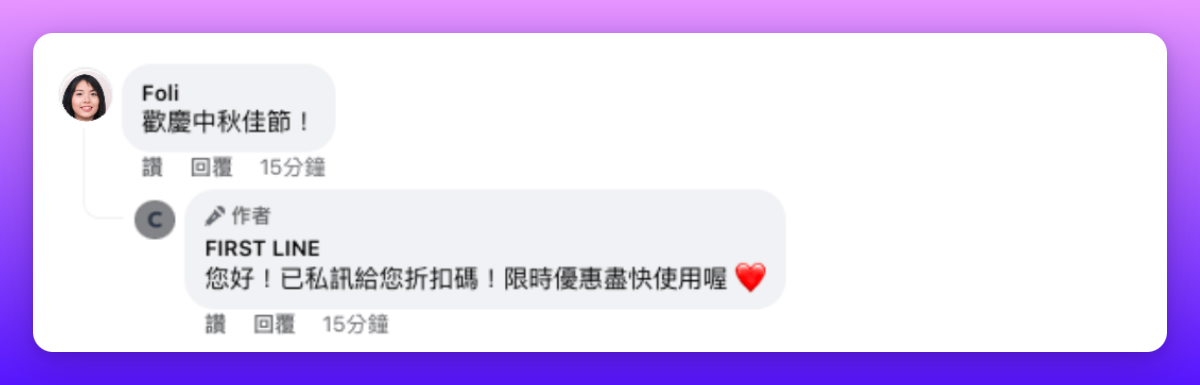
Whether a brand or an influencer, using an automatic reply tool for post comments can significantly optimize social media management efficiency. By predefining reply rules and content, the system will automatically respond with preset messages when fans comment on specific posts.


Set up post auto-reply
Authorize Facebook Page or Instagram Business Account
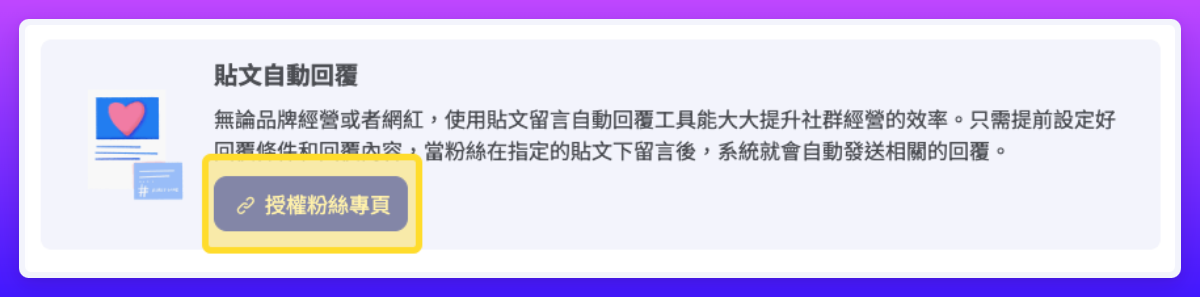
If you have not yet authorized a Facebook Page or Instagram Business Account, please click the authorize button at the top of the interface. After clicking, the system will guide you through Facebook Login verification. If you have already authorized before, you can directly add a "Post Auto-Reply" campaign.

Add Campaign
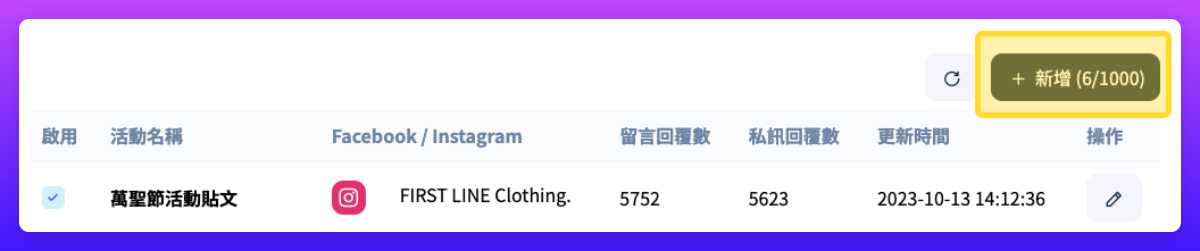
You can find the "Post Auto-Reply" tool under the "Marketing" category in "Apps." When you click the Add button in the upper right corner, the settings window will pop up for you to configure.

Enable this campaign
When the campaign is not enabled, this reply setting will not be triggered.
Post source
Select the post source from existing Instagram or Facebook channel accounts.
Choose post method
You can choose three methods to specify which posts to reply to: "Select Posts," "Enter Post ID," or "All Posts."
Campaign period
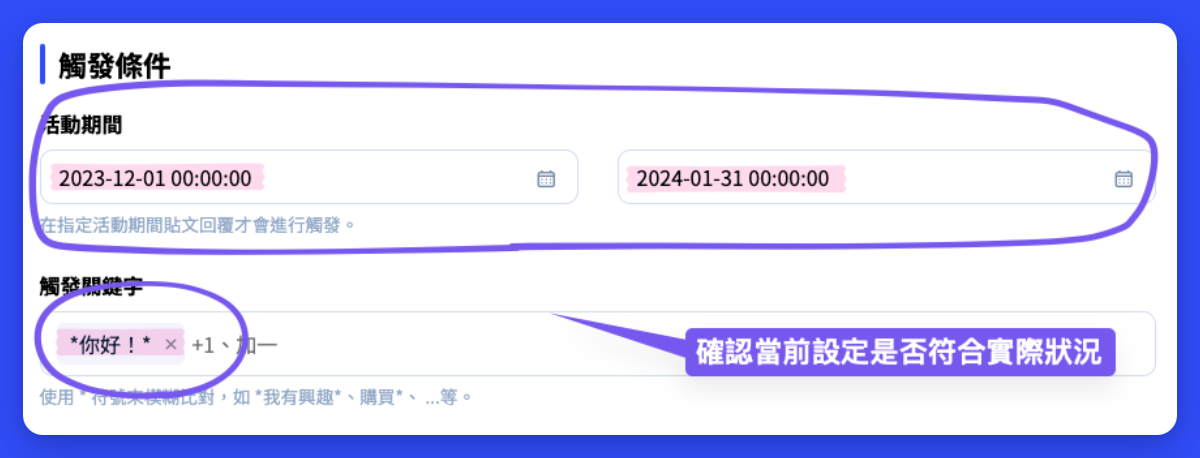
After the configured active campaign period ends, automatic replies will no longer occur; if not set, it means permanent.
Trigger keywords
Auto-reply will be triggered when a customer inputs text matching the preset keywords. You can use the * symbol for fuzzy matching. For example, entering "*I am interested*" means that as long as the comment contains the phrase "I am interested," an auto-reply will be triggered. A lone "*" symbol represents matching any message.
Number of tagged friends
After setting a specific number, the system will automatically detect how many friends the customer tagged. When the number of tags reaches or exceeds your set amount, the auto-reply will be triggered.
Comment reply
Specify the comment replies; when there are multiple reply options, one will be randomly selected to reply. You can create up to 30 sets of comment replies.
Private message reply
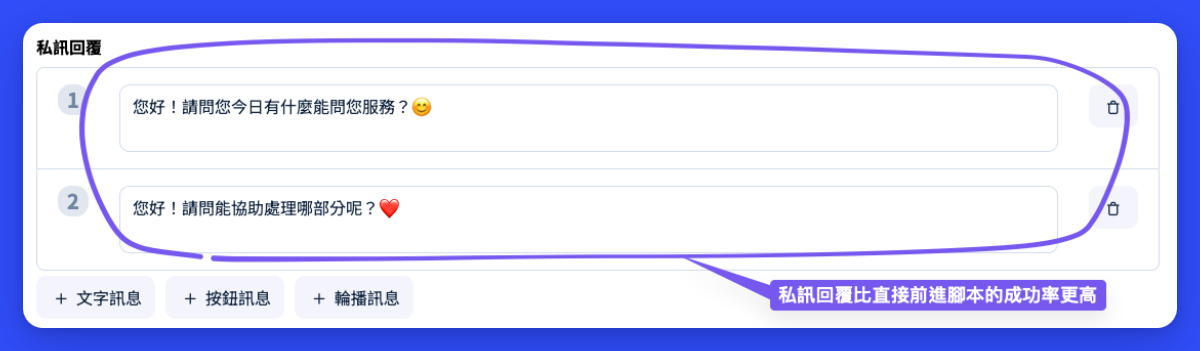
Specify the private message replies; when there are multiple reply options, one will be randomly selected to reply. You can create up to 30 sets of private message replies. Note that whether the message can actually be sent is still subject to factors such as the user's privacy settings and the reply validity period.
Go to conversation script
Go to the specified script for more diverse workflow settings. Please note that you must specify the related event at the beginning of the script. Also understand that even if configured in the script, actual message sending is still affected by factors such as the user's privacy settings and the reply validity period.
How to find a post ID yourself
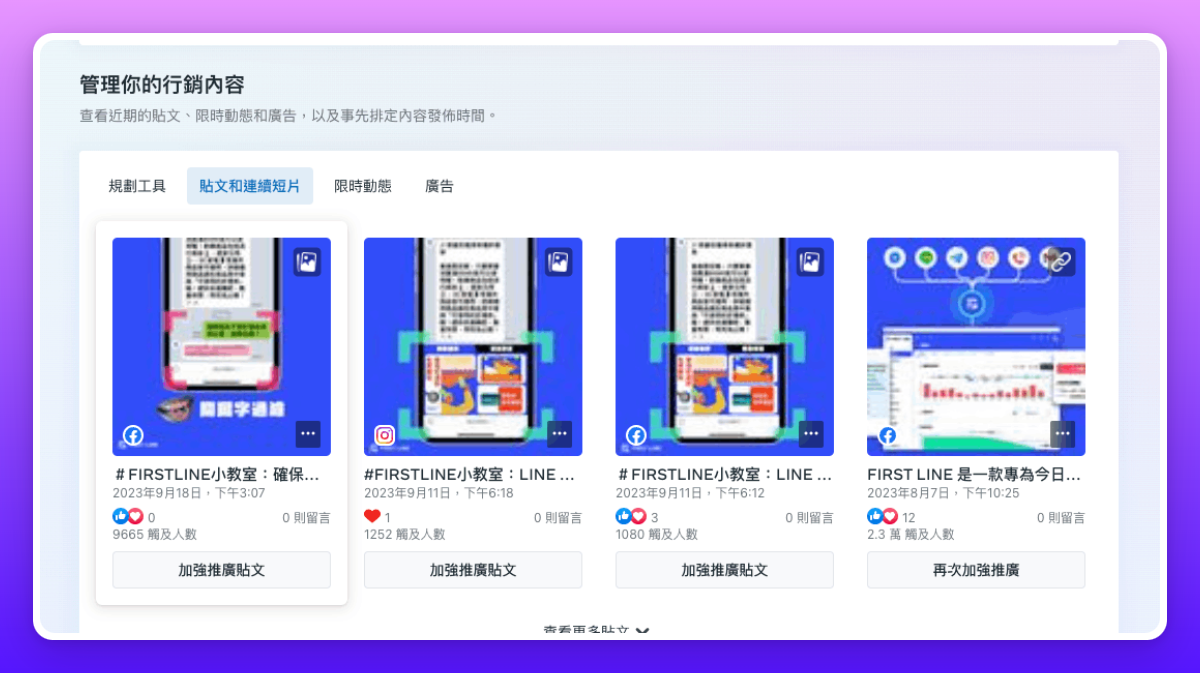
If the post you need is not listed in the post menu, you can obtain the correct Facebook post ID by following these steps:
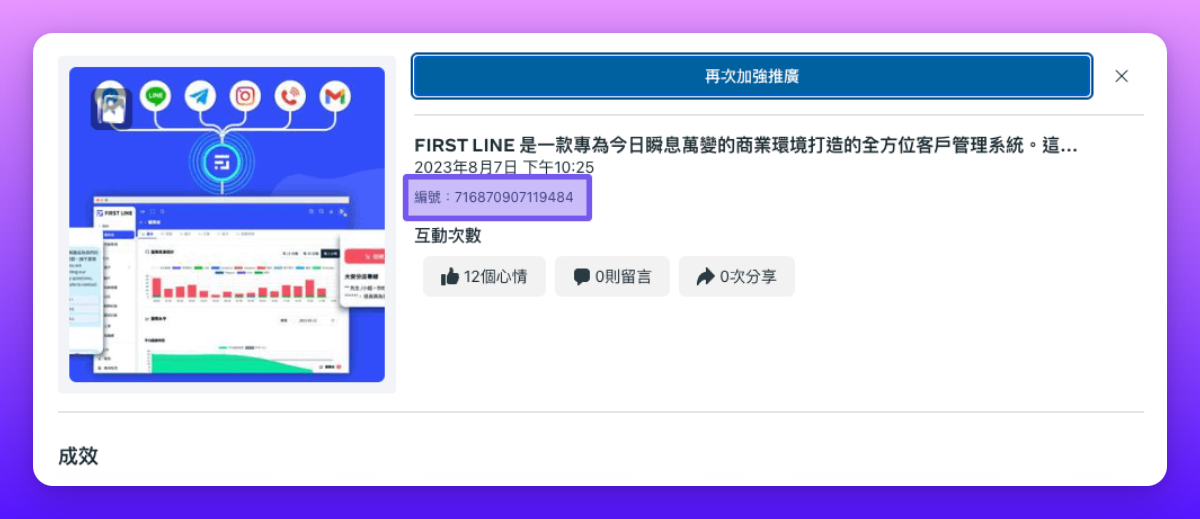
When creating a post on the Page or in Meta Ads Manager, a Page post ID is generated to help you identify individual posts on the Page. To find a Page post ID in Ads Manager:
Go toPage posts.
Select Published Posts from the menu.
Choose the post you want to identify.
Post details (including the Page post ID) will be displayed.


Frequently Asked Questions
No post reply triggered
CheckPost settings, including campaign time, keywords, number of tags, and other conditionsβif conditions are not metmay not trigger a reply.
Currently Instagram does not support using auto-reply on comments in IG Ads and IGTV posts.
Please check whether the authorization status of Facebook and Instagram has expired. Ifyou authorized and integrated the Facebook \ Instagram channel before 2023/12/25, please reauthorize with a Page administrator account.
The post is a draft or unpublished post.
The post ID setting is incorrect or the post has been re-edited. For example, after ad edits or re-editing post content, draft or post IDs originally used may change. Please remember to reset the corresponding ID.
In some cases Meta may detect comments as bot auto-replies, so auto-replies may sometimes fail to trigger. In such cases, you can first confirm whether the customer has already received a reply via private message, since private message replies are usually not blocked.

No private message reply triggered
If the customer did not receive a message, it may be because the message could not be successfully sent. Note that whether a message can be successfully sent is affected by factors such as user privacy settings and the reply validity period, and includes the following conditions:
Instagram Live Stories are time-limited, so private message replies to comments on Instagram Live Stories can only be sent during the live broadcast. After the live ends, private message replies can no longer be sent.
Private message replies to IGTV comments are not supported.
Specified script not triggered
To go to the specified script, you need to set the trigger event "When Post Auto-Reply Guide" at the start of the specified script.
If the customer is already in a script or in a conversation with an agent, that script will not be triggered.
Please note that messages in the specified script are subject to Facebookβs time limits and other restrictions, and may not be successfully sent.

Last updated